How to Check Palindrome in Python: Easy Logic & Code Examples
If you are learning programming, you will inevitably run into the classic palindrome problem. It is a favorite among computer science professors and hiring managers alike because it perfectly tests a beginner’s grasp of string manipulation, logic, and loops.
In this comprehensive guide updated for 2026, we will explore exactly how to check palindrome in Python. We will cover everything from the simplest Pythonic one-liners to the underlying mathematical logic used in coding interviews.
Introduction (Why Palindrome Logic is Important)
Before jumping into the code, it helps to understand why you are learning this. Palindrome logic is a gateway to algorithmic problem-solving. By learning to reverse sequences and compare data dynamically, you are building the foundational skills needed for data processing, text analysis, and algorithm optimization. Mastering this simple concept makes moving on to complex data structures much easier.
What is a Palindrome in Python?
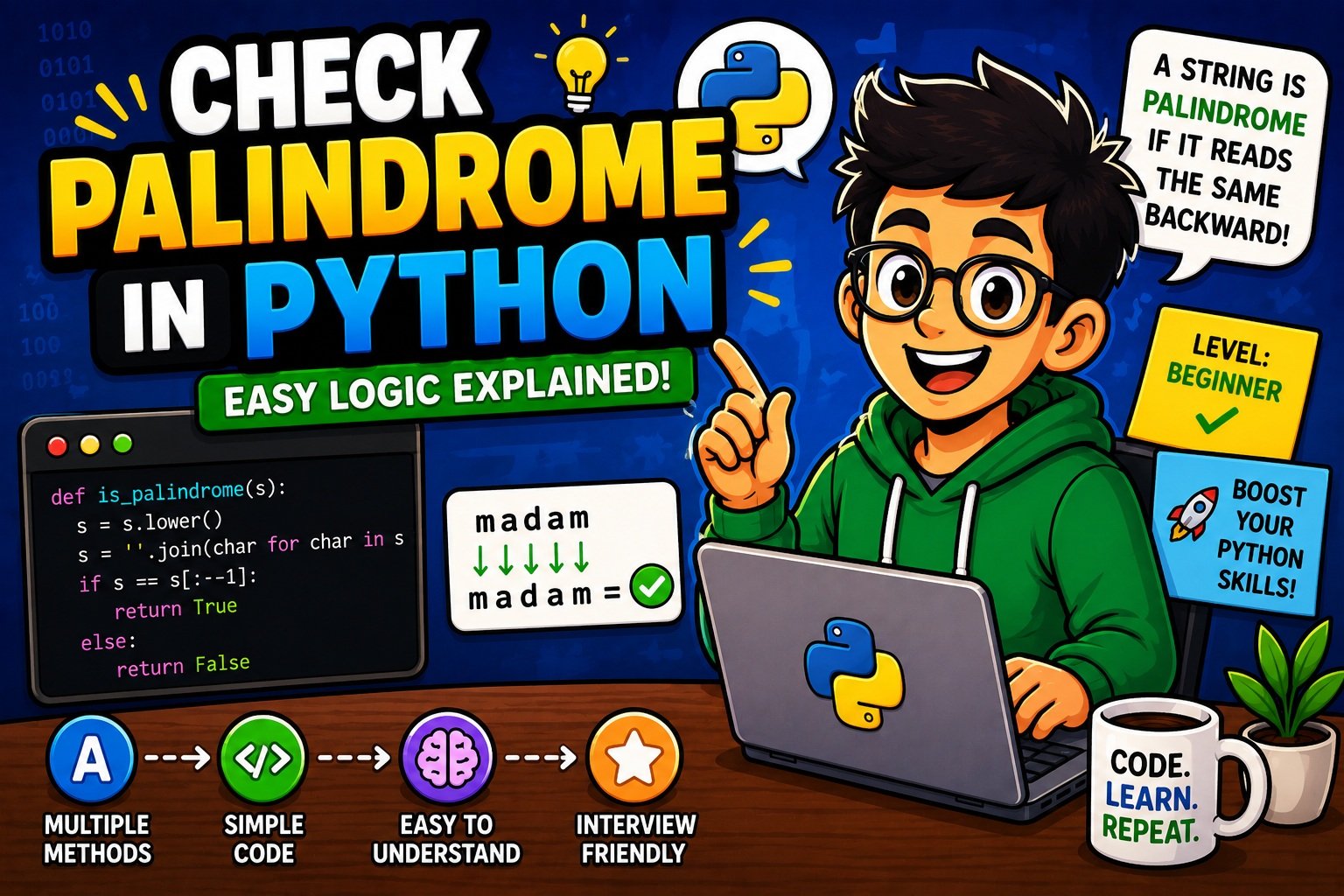
A palindrome is a sequence of characters—such as a word, phrase, or number—that reads the exact same forwards and backwards.
When we check for a palindrome programmatically, we are essentially asking the computer: “If I reverse this data entirely, does it still equal the original data?” If the answer is yes, it evaluates to True. If not, it evaluates to False.
Real-World Examples of Palindromes
To visualize this, let’s look at a few examples:
- Words: radar, level, civic, racecar, madam.
- Phrases (ignoring spaces and punctuation): “A man, a plan, a canal: Panama” or “Taco cat”.
- Numbers: 121, 1331, 98789.
In a programmatic sense, radar maps perfectly to itself:
- Index 0 (‘r’) == Index 4 (‘r’)
- Index 1 (‘a’) == Index 3 (‘a’)
- Index 2 (‘d’) == Middle point
Let’s dive into the code and see the different ways to execute this logic.
Method 1 — Using String Slicing
The absolute easiest and most “Pythonic” way to check a palindrome is by using Python’s built-in string slicing feature. Slicing allows you to extract or reverse parts of a string instantly.
def is_palindrome_slice(text):
    # Reversing the string using slicing [::-1]
    return text == text[::-1]

# Testing the function
word = "racecar"
print(is_palindrome_slice(word))  # Output: True
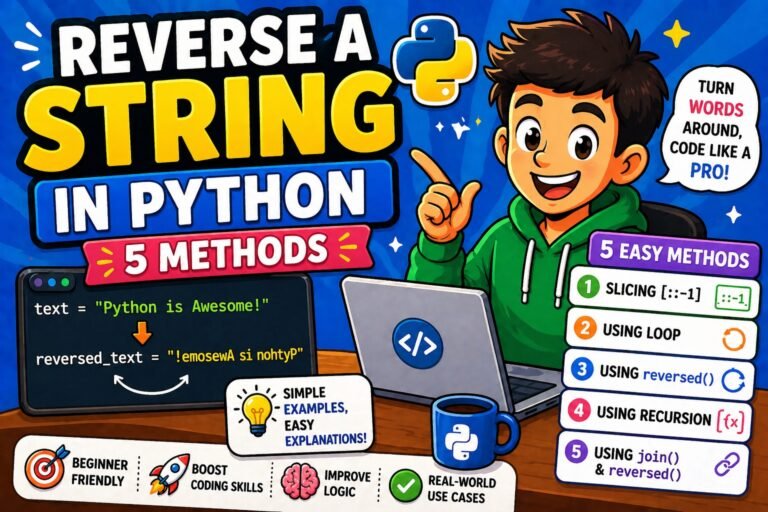
How it works: [::-1] tells Python to step through the string backwards, returning a reversed copy. If you want a deeper dive into string manipulation, check out our guide on how to reverse a string in Python.
Method 2 — Using Loops
While slicing is incredibly fast to write, relying on it won’t teach you the core algorithm. In many technical interviews, you will be explicitly asked not to use slicing. Instead, you can use a for loop to compare characters from the outside moving in.
def is_palindrome_loop(text):
    length = len(text)
    # We only need to check up to the middle of the string
    for i in range(length // 2):
        if text[i] != text[length - 1 - i]:
            return False # Mismatch found!
    return True # All characters matched

print(is_palindrome_loop("civic"))  # Output: True
How it works: We loop through the first half of the string. text[i] checks the front, and text[length – 1 – i] checks the corresponding character at the back. Be careful with your code spacing here; a simple slip can trigger an IndentationError in Python.
Method 3 — Using reversed() Function
Another readable approach uses Python’s built-in reversed() function combined with the .join() method.
def is_palindrome_reversed(text):
    # reversed() creates an iterator, join() puts it back into a string
    reversed_text = "".join(reversed(text))
    return text == reversed_text

print(is_palindrome_reversed("level"))  # Output: True
This method is highly readable and explicitly states what the code is doing, making it excellent for collaboration.
Checking Palindrome Numbers
Checking numbers requires a slightly different approach.
The String Approach:
The easiest way is to type-cast the integer into a string.
def check_number_str(num):
    num_str = str(num)
    return num_str == num_str[::-1]
The Mathematical Approach (Interview Standard):
If an interviewer asks you to do it without converting the integer to a string, you must use modulo (%) and floor division (//) math.
def check_number_math(num):
    if num < 0:
        return False # Negative numbers cannot be palindromes (e.g., -121 != 121-)

    original_num = num
    reversed_num = 0

    while num > 0:
        digit = num % 10          # Get the last digit
        reversed_num = (reversed_num * 10) + digit # Append digit to reversed number
        num = num // 10           # Remove the last digit from the original

    return original_num == reversed_num

print(check_number_math(1331)) # Output: True
Taking User Input for Palindrome Checking
To make your code interactive, you can prompt a user to type in a word. If you are new to interactive scripting, read our tutorial on how to take user input in Python.
user_word = input("Enter a word to check: ")

# Standardizing the input to lowercase to avoid case sensitivity issues
clean_word = user_word.lower()

if clean_word == clean_word[::-1]:
    print(f"Yes! '{user_word}' is a palindrome.")
else:
    print(f"No, '{user_word}' is not a palindrome.")
Common Beginner Mistakes
When you check palindrome in Python, watch out for these frequent beginner traps:
- Case Sensitivity: Python treats “R” and “r” as entirely different characters. Always use .lower() before checking.
- Spaces and Punctuation: “Taco cat” reversed is “tac ocaT”. You must strip spaces before checking. You can use .replace(” “, “”).
- Returning Early: In loops, beginners often accidentally place the return True statement inside the loop. If your logic feels broken, take a moment to learn how to debug Python code step-by-step.
Time Complexity Explained Simply
Understanding performance (Big O Notation) is crucial for scaling applications. Here is how our methods stack up:
| Method | Time Complexity | Space Complexity | Why? |
|---|---|---|---|
| String Slicing | O(n) | O(n) | Creates a completely new reversed string in memory. |
| Using Loops | O(n) | O(1) | Only uses a few variables, taking up minimal extra memory. |
| Math Approach | O(log10(n)) | O(1) | Processes the number digit by digit without allocating string memory. |
(Note: “n” represents the length of the string or number).
Interview Questions Related to Palindrome Logic
Palindrome algorithms are a staple in technical assessments. Prepare for your next job application with these top 20 Python interview questions for beginners. Here are three variations you might face:
- Write a function to check a palindrome without using built-in reverse functions. (Use Method 2).
- How would you check if a sentence is a palindrome ignoring all spaces and punctuation? (Use .isalnum() in a list comprehension).
- Find the longest palindromic substring inside a larger given string. (A more advanced dynamic programming challenge).
Best Practices for Writing Clean Python Code
When writing your scripts, always strive for readability. Use descriptive variable names like is_palindrome rather than x. Keep your functions modular—create one function to clean the text (removing spaces and capitals) and a separate function to process the actual logic.
Ready to test your skills further? Try tackling these 50 Python coding questions for practice to solidify your logical thinking.
FAQs
Can a single letter be a palindrome in Python?
Yes. In Python, a string with a length of 1 (like “a”) reads the same forwards and backwards, so our functions will correctly evaluate it as True.
Is it better to use slicing or loops to check a palindrome?
For everyday scripting and practical applications, string slicing ([::-1]) is preferred because it is fast to write and highly optimized in C under Python’s hood. For algorithmic interviews, the loop approach is better because it demonstrates your logical problem-solving skills.
How do I ignore cases when checking palindromes in Python?
You should apply the .lower() or .casefold() string method to your variable before running it through your palindrome logic. This standardizes all characters to lowercase.
Conclusion
Learning how to check palindrome in Python is an exciting milestone for any beginner. Whether you use Python’s elegant string slicing, implement a manual for loop to save memory, or use mathematical division for integers, you now have the tools to solve this problem optimally. Practice these different methods until they become second nature, and you’ll be well-prepared for your next coding interview or personal project.
External Links Used:
- Python Official Documentation: reversed() built-in function
- [Python Official Documentation: String Methods (.lower(), .isalnum())]()